I am a big fan of the Morserino project and own the second and the third iteration of this wonderful CW device. I really can't recommend it enough for CW practice - just keeping it on my desk and using it throughout the day whenever I find a couple of spare minutes really does help me improve my skills.
Back in December 2025 I received my pre-order of the latest iteration, called the M32 Pocket. There are many improvements compared to the previous model but the ones that stand out the most to me are the much more pleasant CW sidetone and the Bluetooth keyboard mode, which is the topic of this post. You can pair your PC, MAC, smartphone or tablet to the Morserino which presents itself to the operating system as Bluetooth keyboard: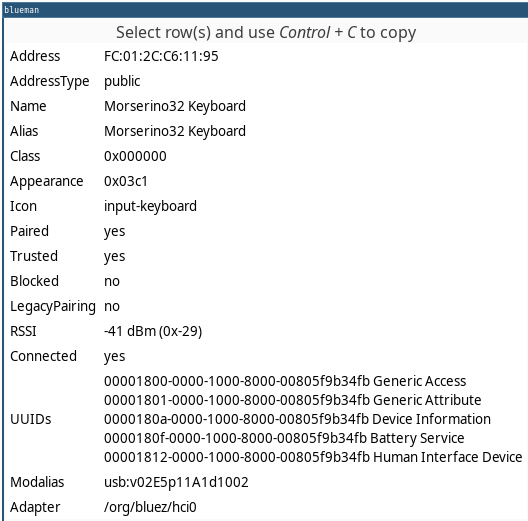

So basically you send CW with your key connected to the 3.5mm jack, hear the sidetone through headphones or the internal speaker, see the decoded characters on the Morserino display and your paired Bluetooth device receives the decoded characters as if they were keyboard keypresses. Pretty cool.
Monkey see, monkey type
In order to activate the wireless keyboard mode, you should go to Set Preferences and select BLT Kbd Output=Decoded in the M32 Pocket menu. Then you can pair the device to your operating system. It is relatively straightforward, but if you need help, don't forget to check out the well-written User Manual. I am sure that this Bluetooth keyboard output feature opens up a lot of possibilities for additional training applications but I could not resist trying it out with Monkeytype. This is a popular website among keyboard enthusiasts and people who want to improve their typing speed. When you open it, you are presented with list of random words you have to type, usually within a time limit: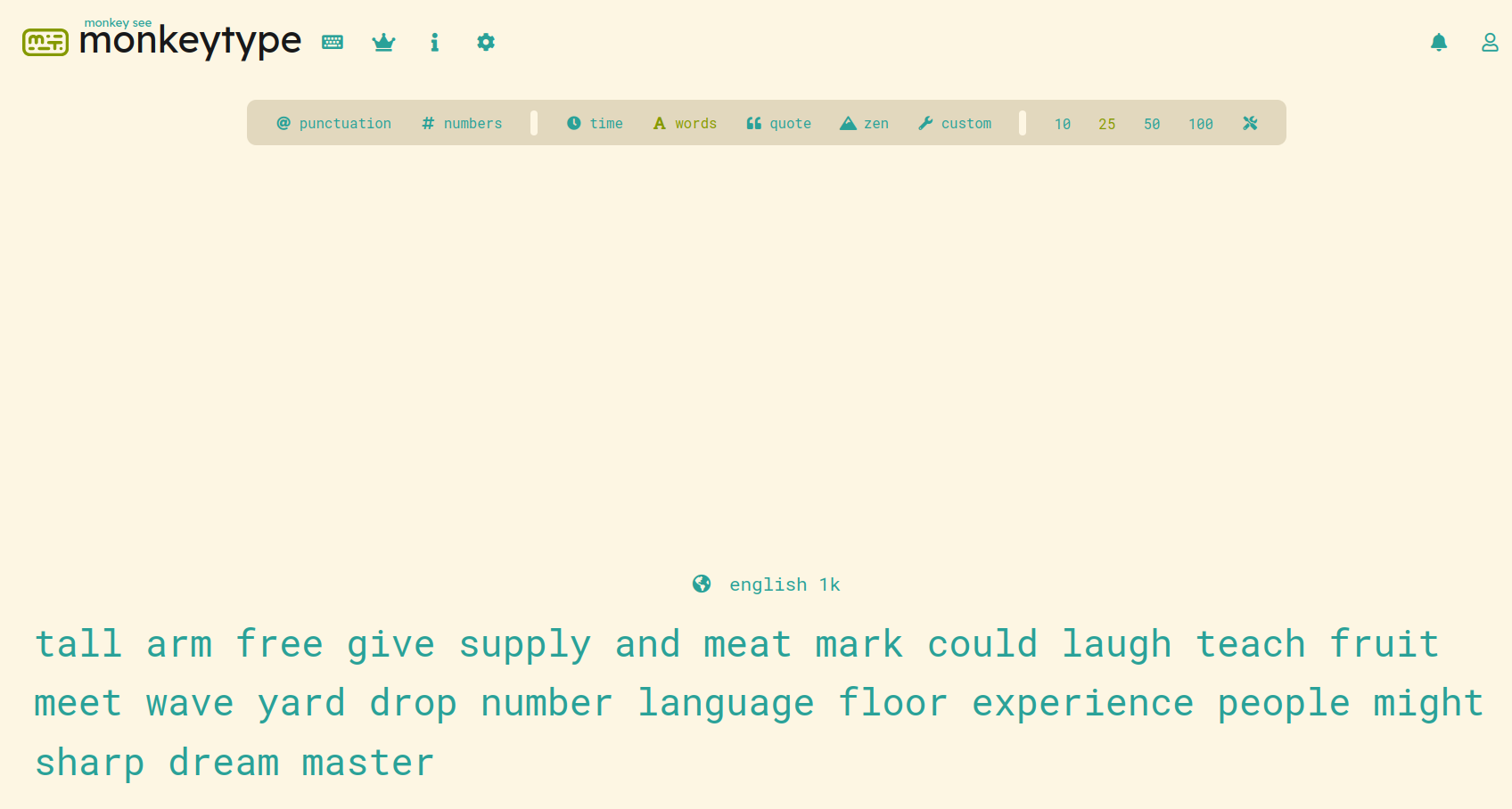
A nice improvement would be if the 8 dits error prosign HH could be mapped to the key combination Ctrl+Backspace so that when you make mistake you could then go back one word and retry it. But sending precise HH at higher speeds is not easy anyway ☺️
Alternatives
If you don't own the M32 Pocket, there is a similar software for Windows which uses WinKeyer3 devices for sending practice exercises. Check out Iambic Master for detailed instructions.